How to add another WordPress site?
Last updated: February 19, 2026
This help article explains how to add one or more WordPress sites to your current account.
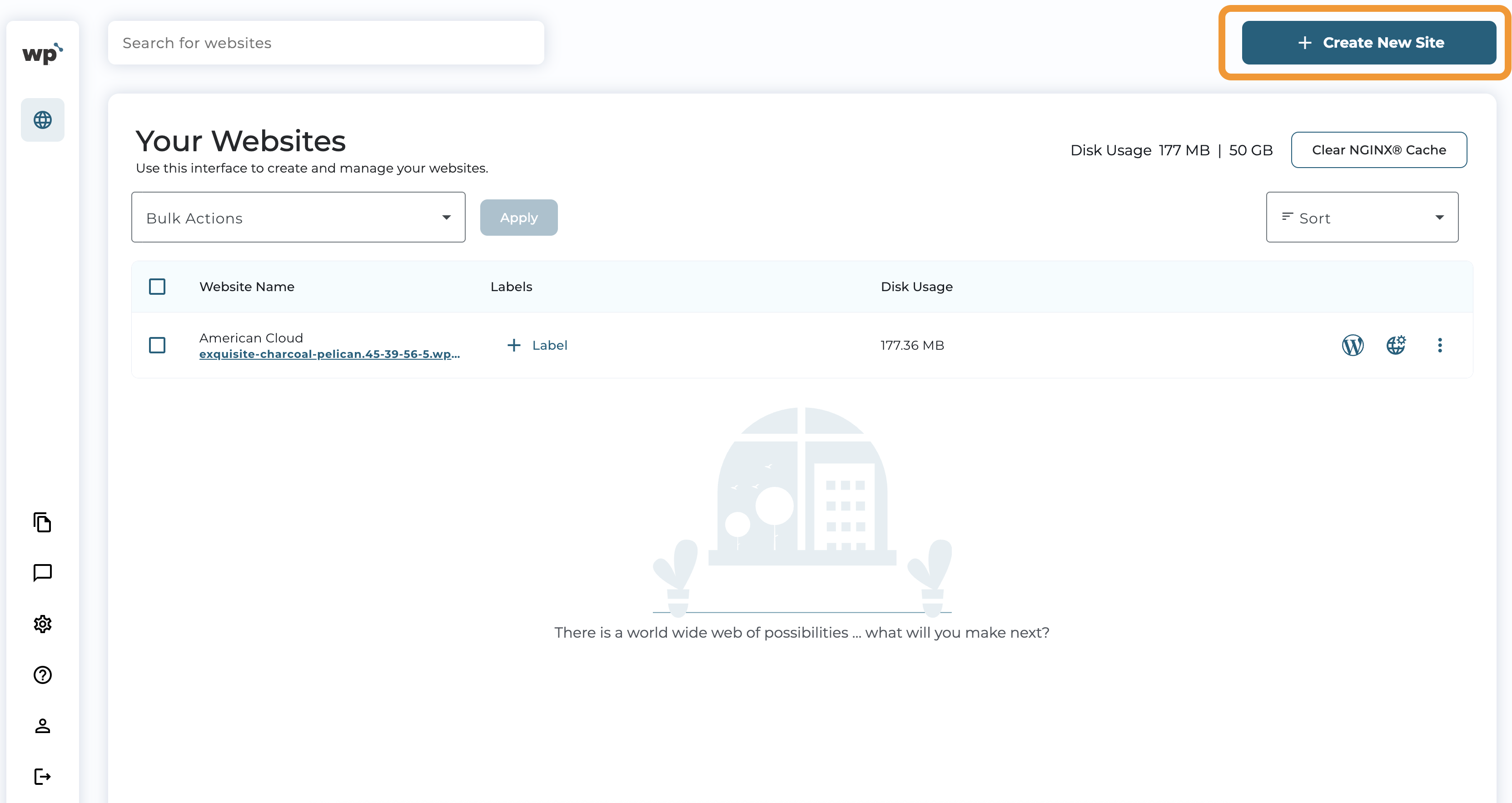
- Once you have clicked "Manage your sites", click "Create New Site":
-
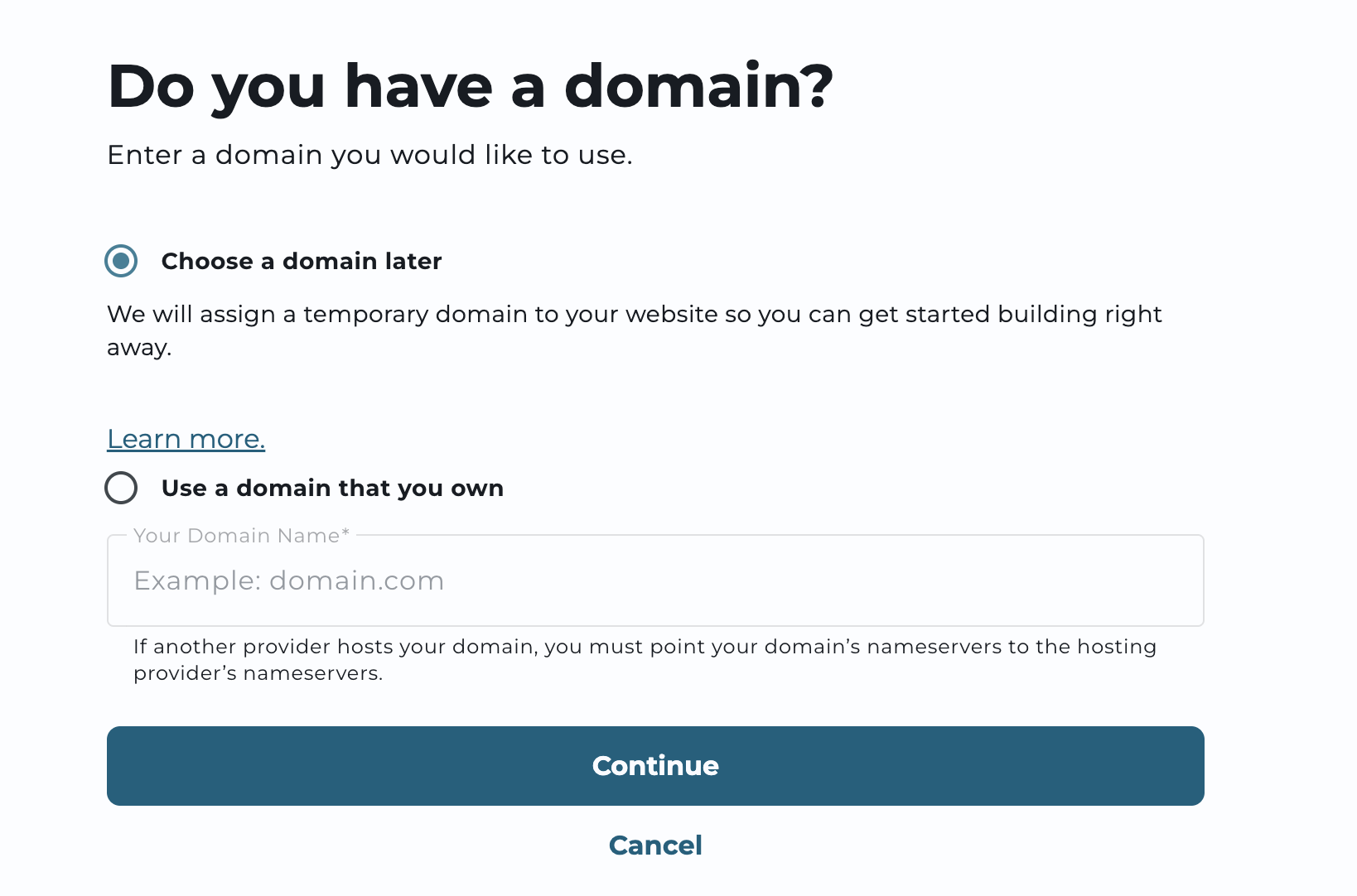
You will see the setup wizard with two options: A) Choose a domain later, or B) Use a domain you already own.
These options allow you to create a site and change the domain later, or to use the domain you already own to start working with the site.
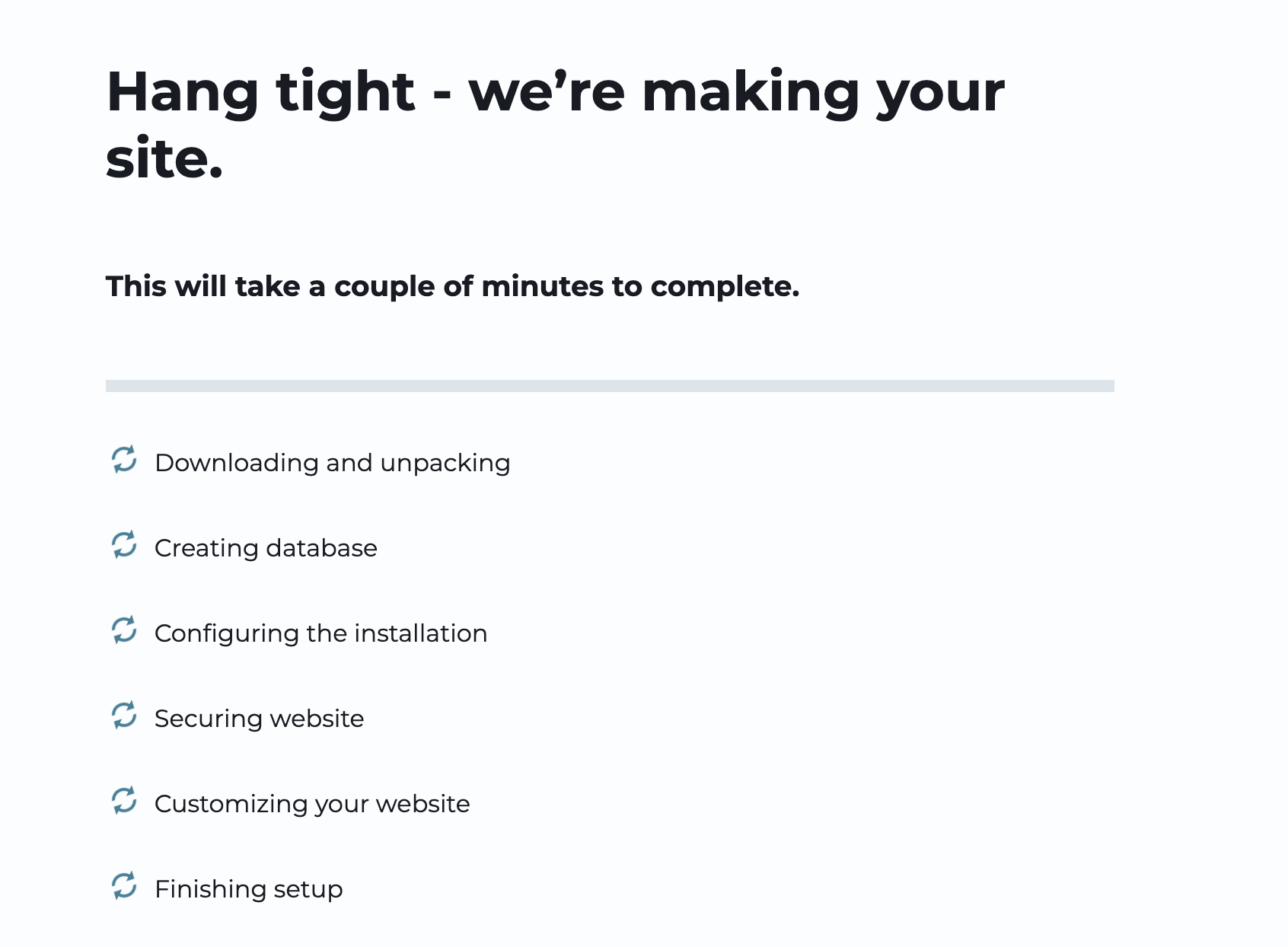
- Once you have selected the domain option and click "Continue", the setup of the new site will start:
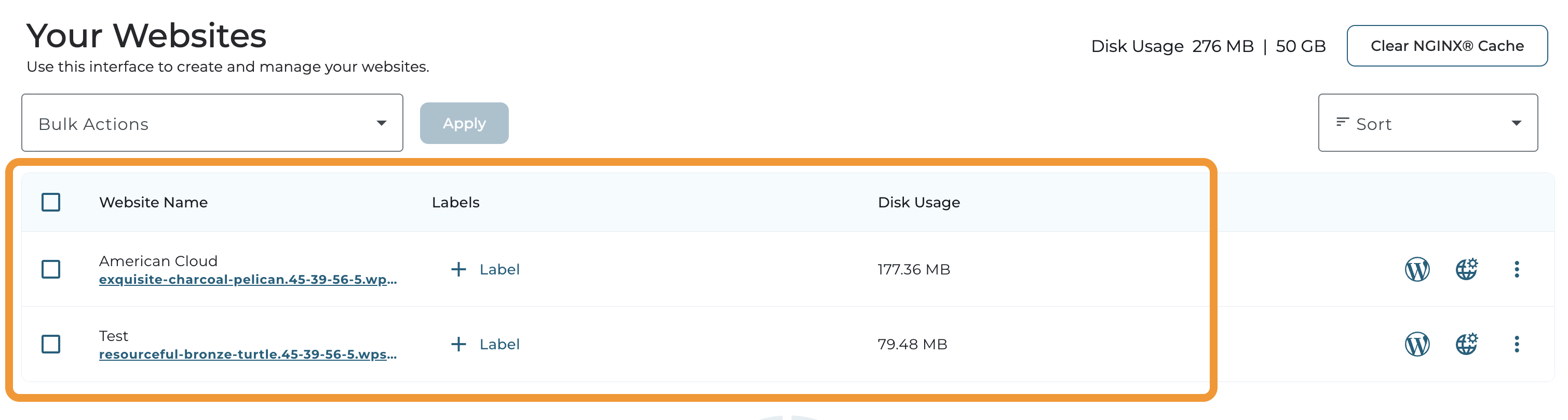
- The new site would be manageable from "Your Websites":