Access control lists (ACLs)
Last updated: May 27, 2026
Network ACLs are ordered lists of allow/deny rules that you attach to a VPC tier to control what traffic can enter or leave it. Each rule matches a CIDR, protocol, port range, and direction (ingress/egress) and either permits or blocks the matching traffic.
In the new portal, ACL lists live under their own top-level page — Networking → ACL lists — instead of being nested inside a VPC's settings.
View existing ACL lists
In the left navigation, under Networking, select ACL lists.
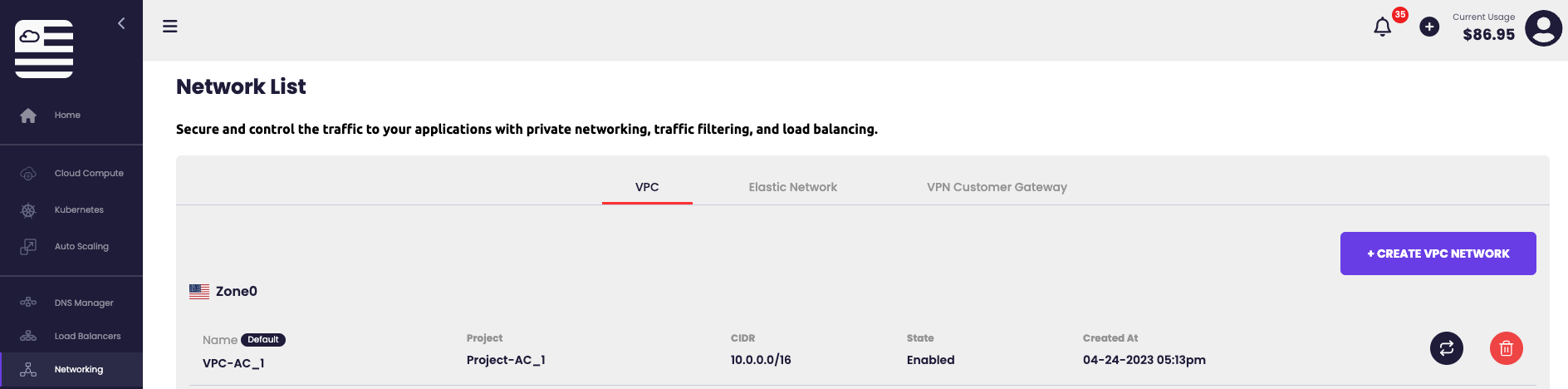
Two built-in lists are always present:
- default_allow — permits all traffic.
- default_deny — blocks all traffic.
You can attach either of these to a VPC tier directly, or create a custom list with specific rules.
Create a custom ACL list
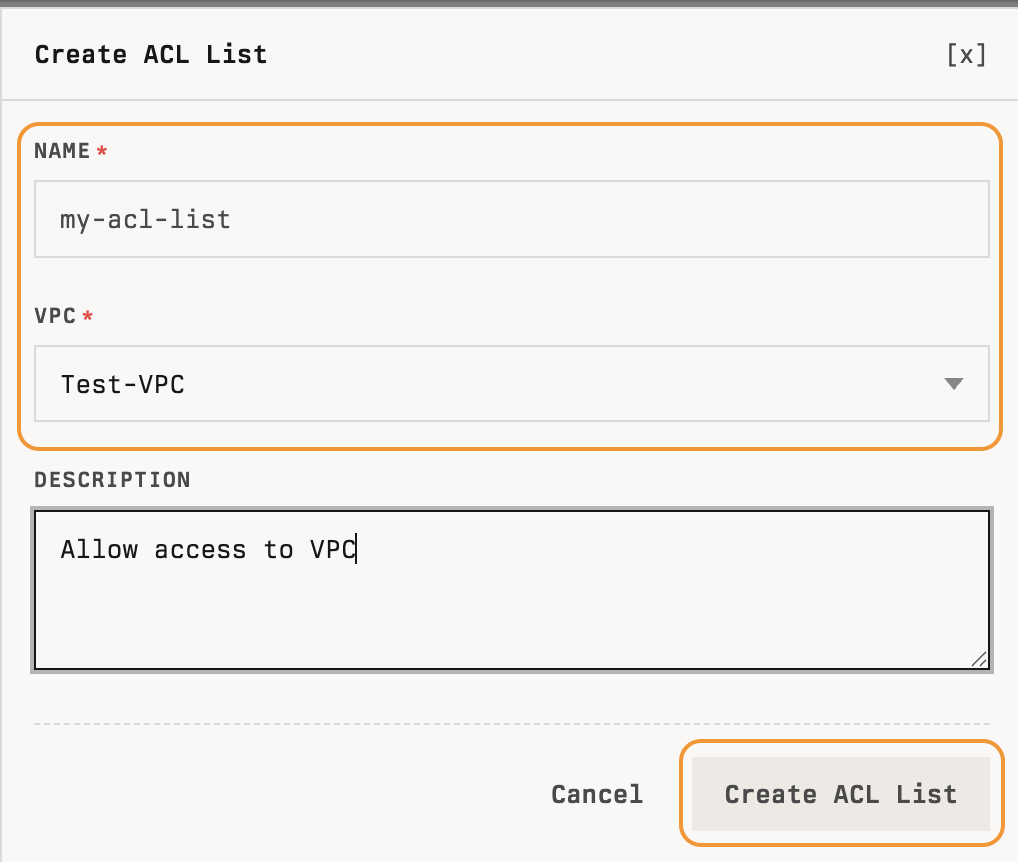
- On the ACL lists page, click + Create ACL List in the top right.
- In the Create ACL List dialog, fill in:
- Name — a unique name (for example,
my-acl-list). - VPC — pick the VPC this list belongs to.
- Description — optional.
- Name — a unique name (for example,
- Click Create ACL List.
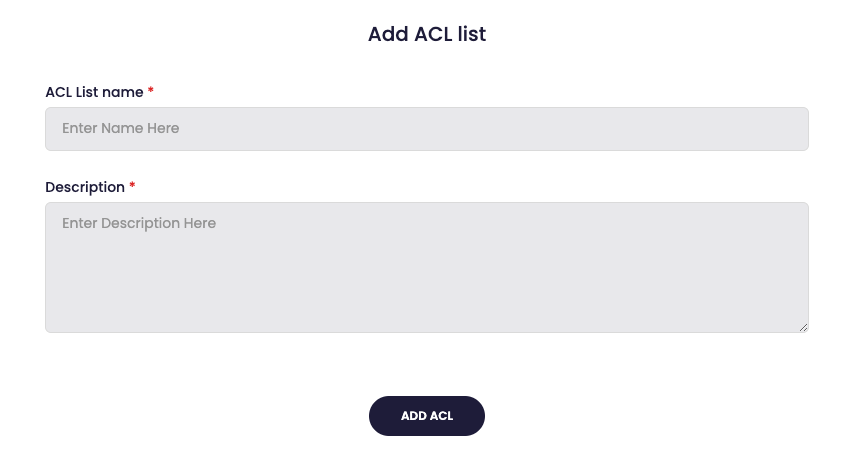
The new list opens to its detail page, ready for rules.
Add a rule
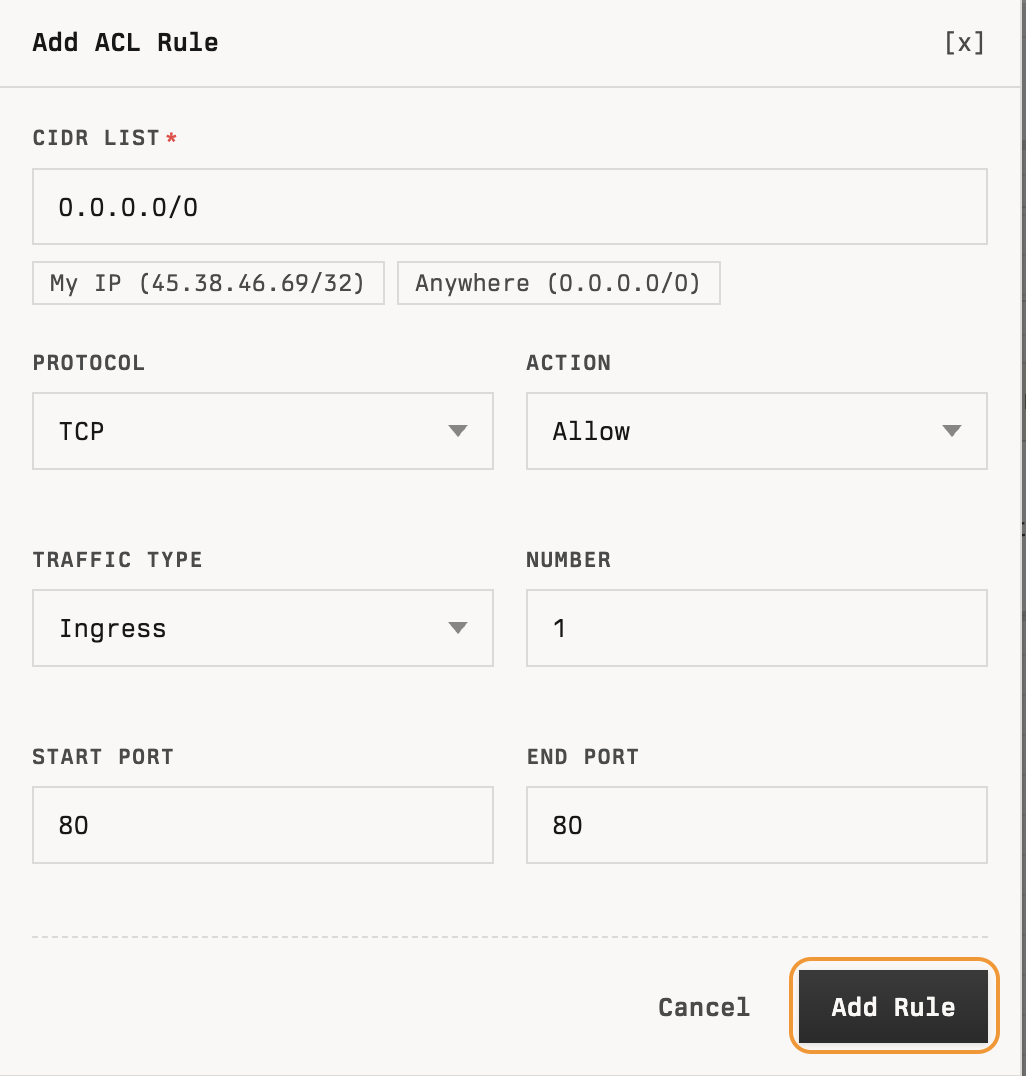
- On the ACL list detail page, click + Add Rule in the ACL Rules section.
- In the Add ACL Rule dialog, fill in:
- CIDR list — the source range. Two quick-picks help:
- My IP — fills in your current public IP as
/32. - Anywhere — fills in
0.0.0.0/0.
- My IP — fills in your current public IP as
- Protocol —
TCP,UDP,ICMP,All, or a numeric protocol number. - Action —
AlloworDeny. - Traffic type —
Ingress(into the tier) orEgress(out of the tier). - Number — the rule's priority. Lower numbers evaluate first.
- Start port / End port — the port range (for TCP/UDP). For ICMP, this becomes ICMP type / ICMP code.
- CIDR list — the source range. Two quick-picks help:
- Click Add Rule.
The new rule appears in the ACL Rules table with its protocol, action, traffic type, CIDR, ports, and a Delete action.
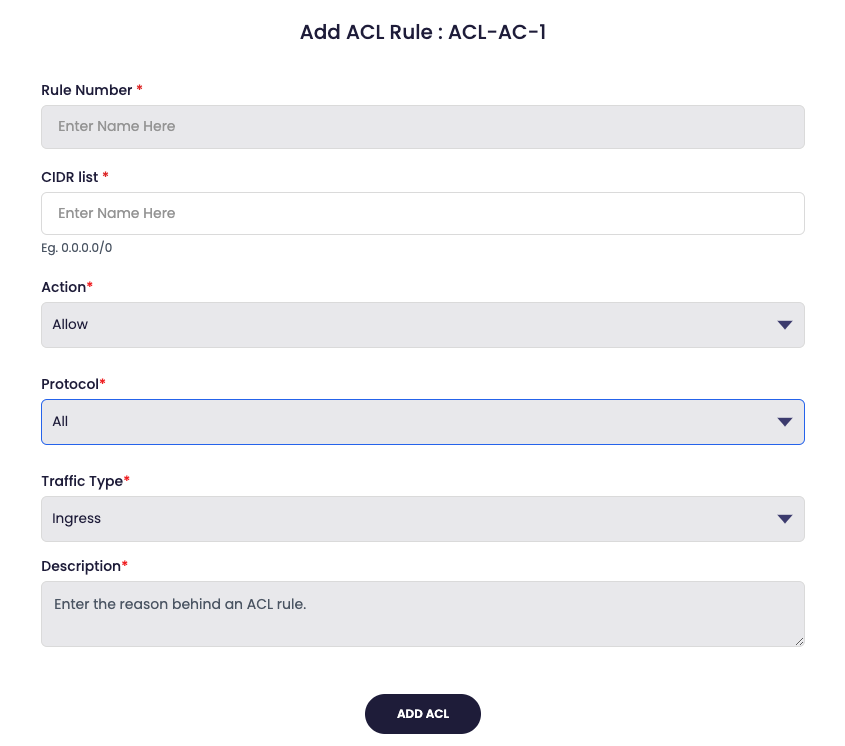
Field reference
Rule number
Rule numbers prioritize evaluation. Lower numbers are evaluated first, so put more specific rules above broader ones.
CIDR list
A CIDR-format range (for example, 192.168.1.0/24) that specifies which source IPs the rule matches. Use the My IP and Anywhere quick-picks for common cases.
Action
- Allow — permit traffic that matches the rule.
- Deny — block traffic that matches the rule.
Protocol
- All — match every network protocol.
- TCP — connection-oriented, ordered delivery. Requires Start port and End port.
- UDP — connectionless. Requires Start port and End port.
- ICMP — control messages (ping, unreachable, etc.). Requires ICMP type and ICMP code.
- Protocol number — a numeric IANA protocol number. Required fields depend on the protocol.
Traffic type
- Ingress — traffic entering the tier.
- Egress — traffic leaving the tier.
Attach an ACL to a tier
ACLs only take effect once a VPC tier uses them. On the tier's detail page, click Change ACL in the top right and pick the list.
Delete a list or rule
- Delete a rule — click Delete on the rule's row in the ACL Rules table.
- Delete the list — click Delete in the top right of the ACL list detail page. The built-in
default_allowanddefault_denylists cannot be deleted.